

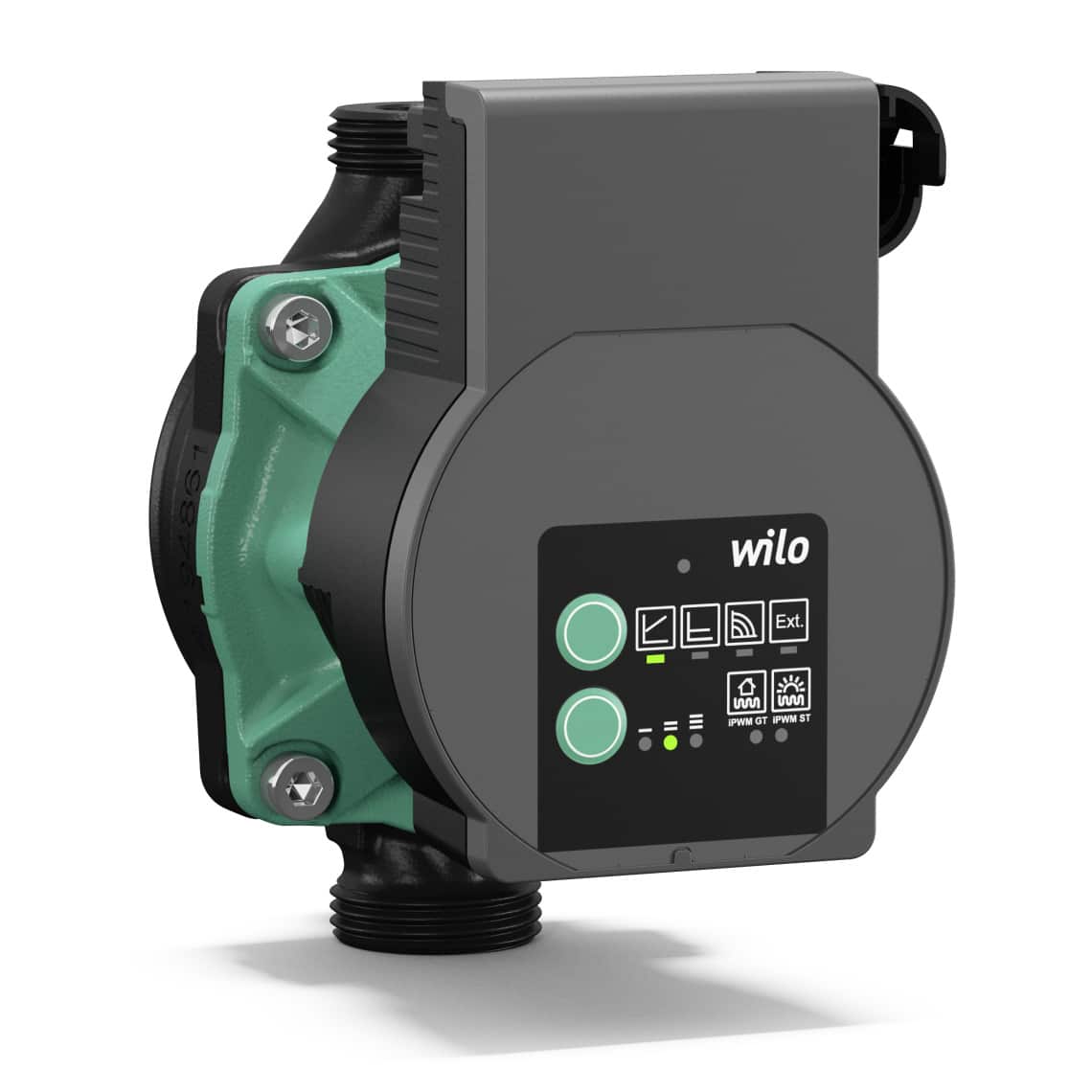
Quick guide
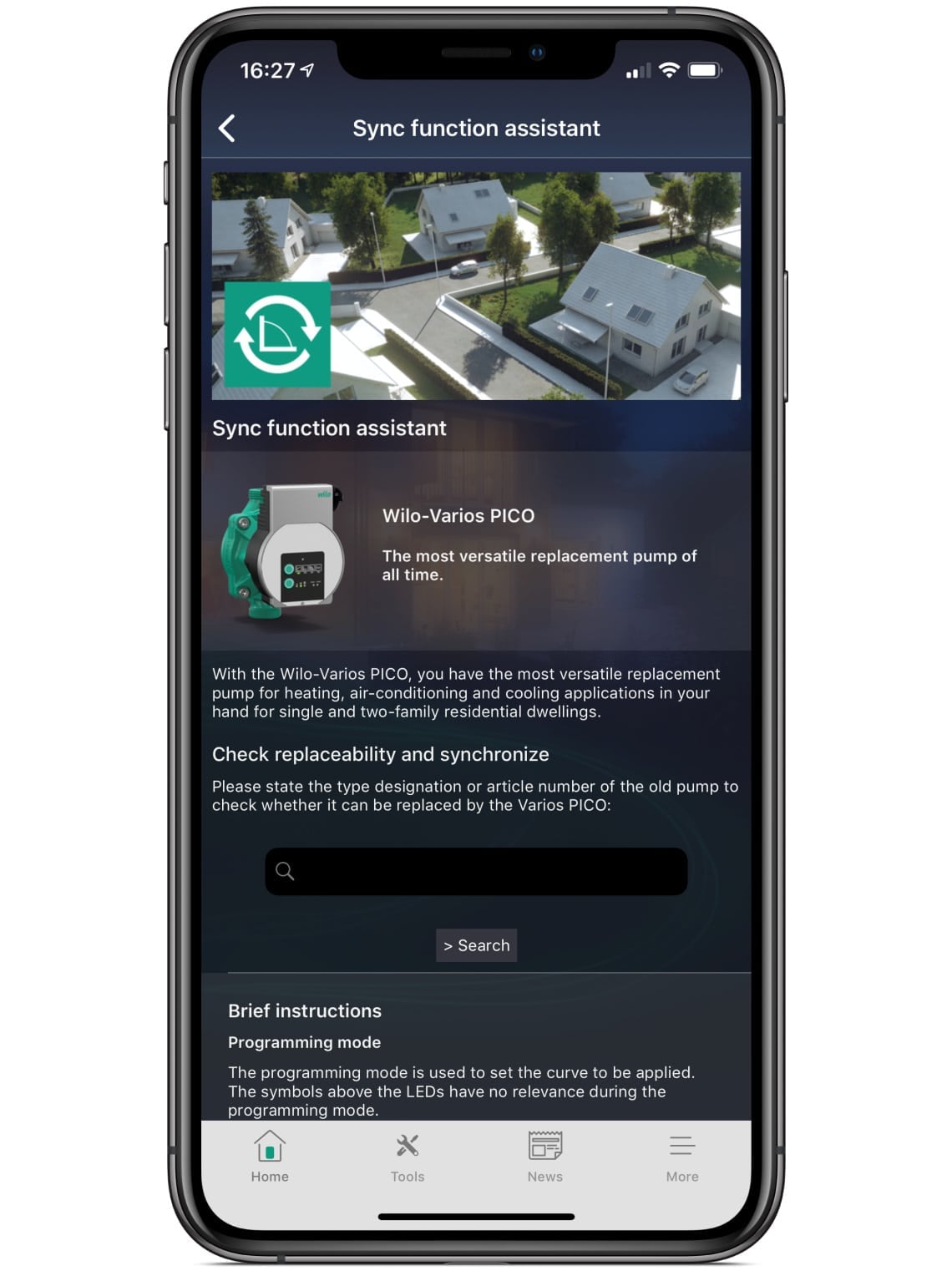
First, enter the type designation or article number of the pump to be replaced into the search box on the left.
Operating mode
This mode is active when the pump starts.
The pump runs in the default setting - a standard characteristic curve.
The symbols above the LEDs indicate whether individual functions are active or inactive.
Programming mode for setting the required characteristic curve
To start programming mode, press and hold both green buttons simultaneously for approximately 3 seconds.
Programming mode is activated when all LEDs flash green three times.
Activate or deactivate individual functions by pressing the lower green button.
Change the LED position by pressing the upper green button.
Exit programming mode and save the settings
Now briefly press both green buttons to save your settings.
The pump displays the selected LED code for five seconds. All LEDs flash three times and the pump returns to operating mode.
If an invalid LED code has been entered and saved, the upper LED briefly lights up red during the flashing phase.
Cancel programming mode without saving the settings
Hold down both green buttons for five seconds and then release them.
The pump returns directly to operating mode without saving.
The new Wilo-Assistant - The app for everyone
The app is packed with tools to support you with each stage of a pump’s life. You will find everything from selection software that helps you to plan a new project and identify the right pump for the job, to useful tools for commissioning and maintenance, plus a handy replacement guide that helps you identify suitable replacement pumps.
Pump selection and planning
- Pump dimensioning: size up the right pump for your project
- Pipe calculator
- Unit converter
- Savings calculator
Commissioning and maintenance
- Smart connect: easily control and monitor hard to reach pumps using Bluetooth
- Fault signal assistant: identify error and warning signals and find resolutions to faults
- Hydronic balancing
- Unit converter
- Set-up, sync and diagnosis assistants
Pump replacement and spare parts
- Replacement guide: identify suitable replacement pumps for your installation
- Spare parts catalogue

We have answers to your questions
Our products and services have aroused your interest? Then we are happy to help!
Whether it's creating an offer or editing service specifications, designing different types of equipment, advising on the selection of pumps and switchgear, or just helping with hydraulic and control issues.
Feel free to contact your nearest sales office and make an appointment. We look forward to you!
Find the right contact for your question.